Birthday mode
The birthday child's name and age on the TV and the printed cards. The whole app in pink or blue, even on the players' phones.
Learn more : Birthday modeFrench-style bingo · 90 numbers
Copy your cards once, type the numbers as they are drawn: Loto Quine Malin marks everything, shows the missing number in orange and celebrates when you win. A game with friends, a birthday party or in class? The home draw picks the balls and calls them out loud.
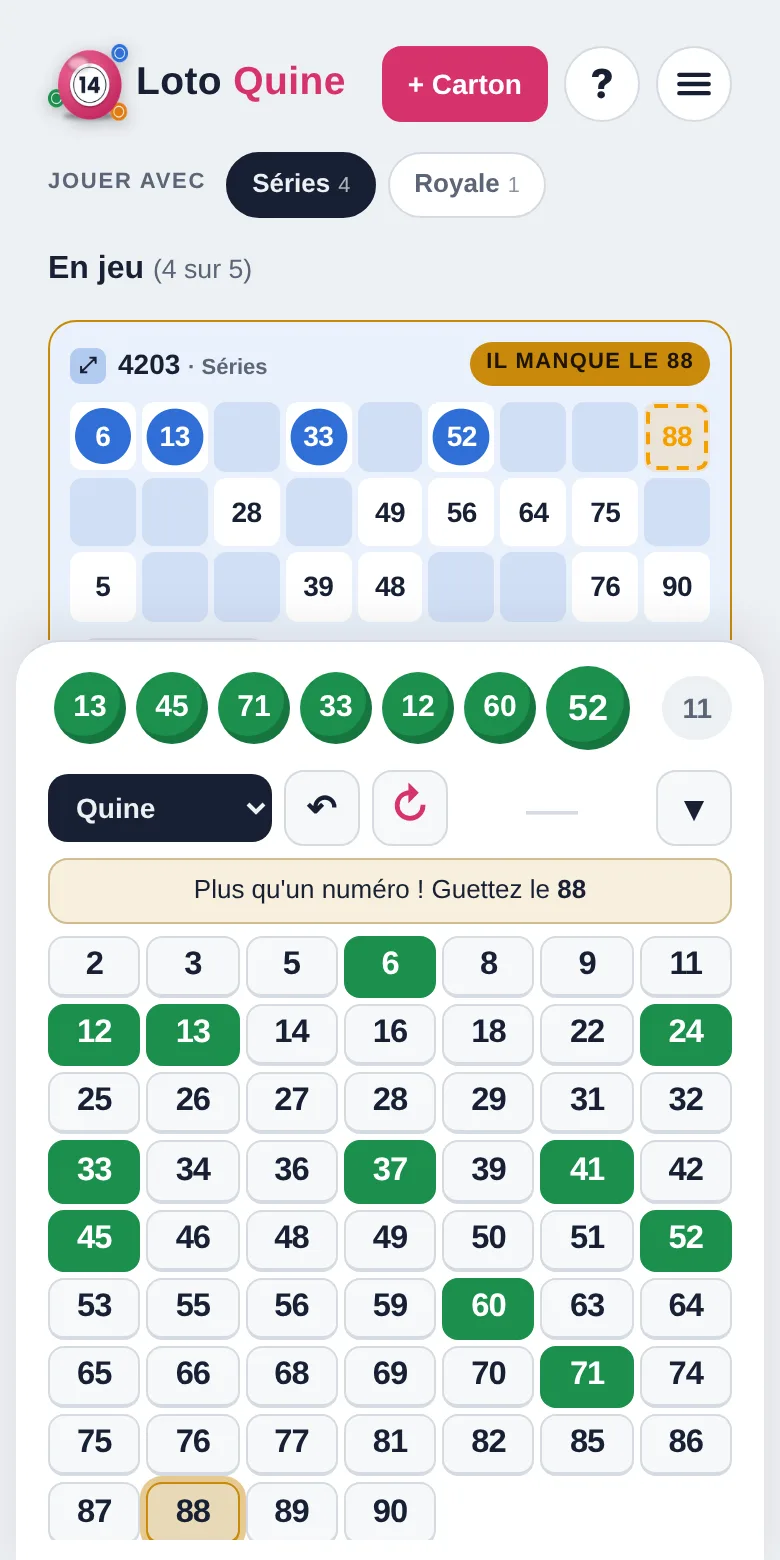
Type the 15 numbers, even without spaces: the app puts them in the right columns. Or simply take a photo of them.
With the keypad, on the 1–90 grid or only among your cards' numbers. A long press removes a mistake.
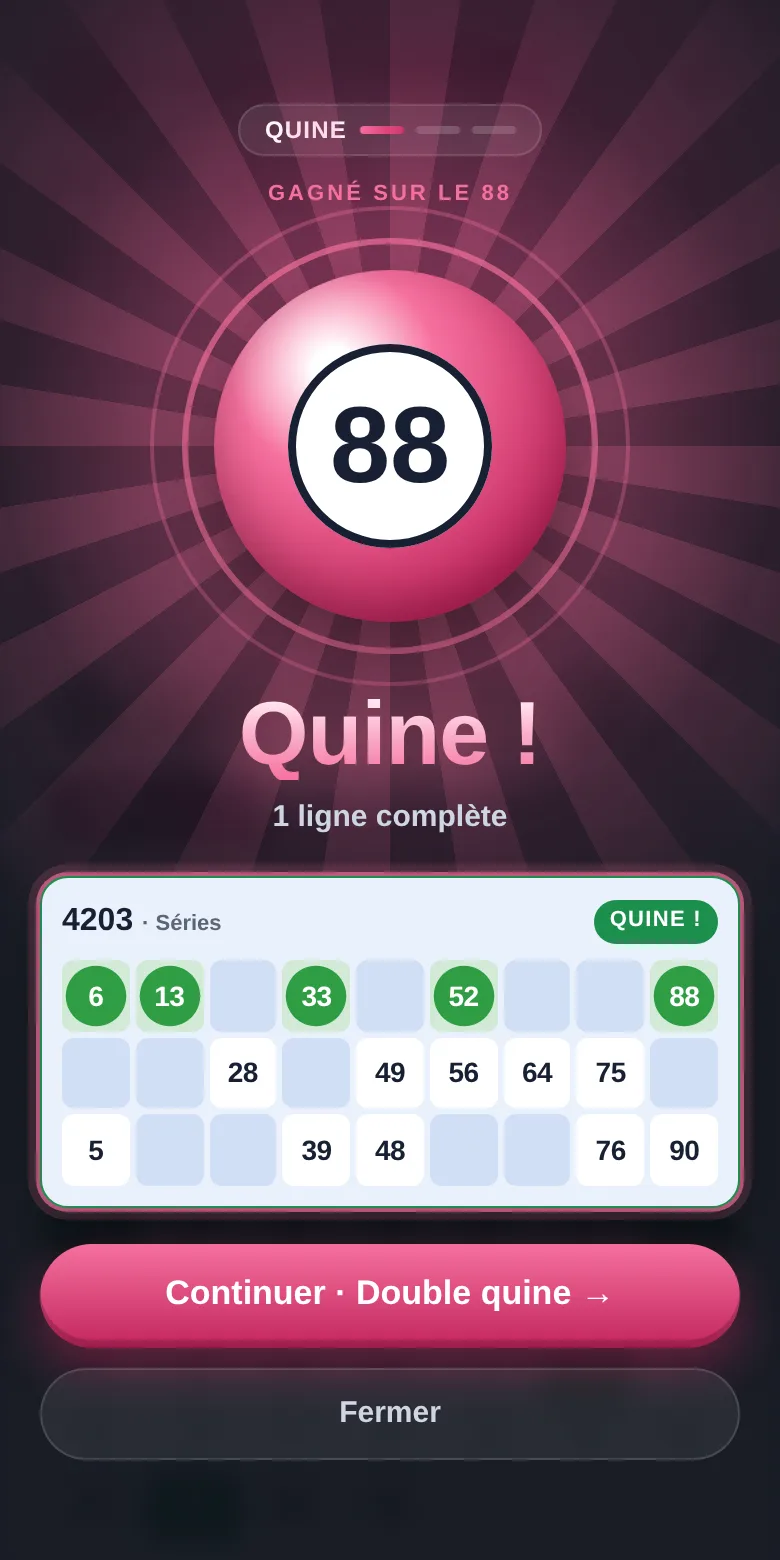
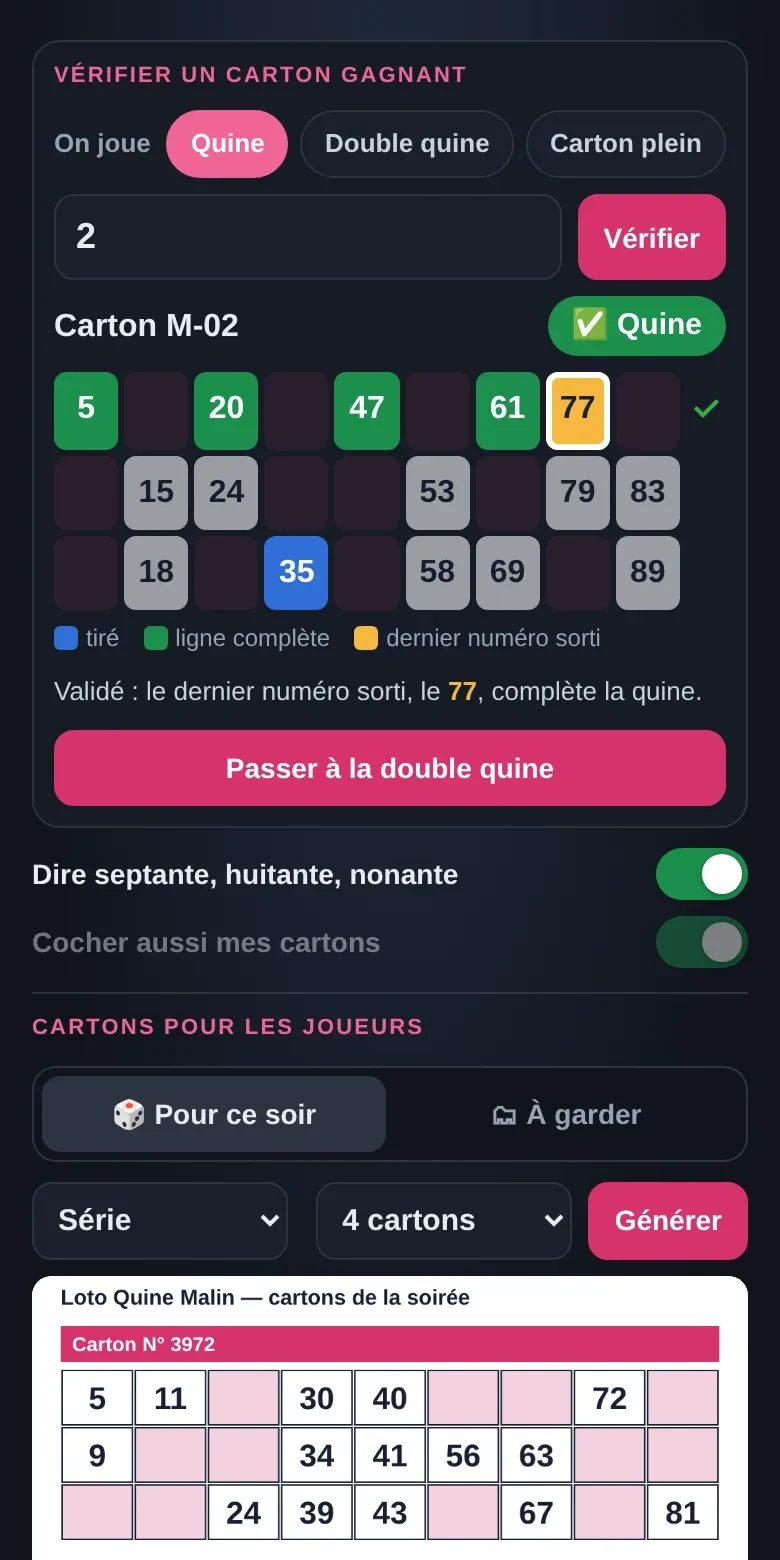
One line, two lines, full house: you're told right away, with confetti and a fanfare.
A sample card. Draw numbers and watch the app follow the game, all the way to a full house.
The cards closest to winning move to the top. Group them (Series, Royal…) and play only the ones in this game.
“Needs 47”: the number to watch turns orange on the card, the phone vibrates and completed lines turn green.
Every game is archived: most drawn numbers, your wins, your lucky card.
Everything big and high-contrast, in light or dark. The screen stays on during the game.
Keep your cards in a file, or move them to another phone by scanning a QR code.
Français, English, Deutsch, Italiano, including the draw voice. The “?” button explains every screen.
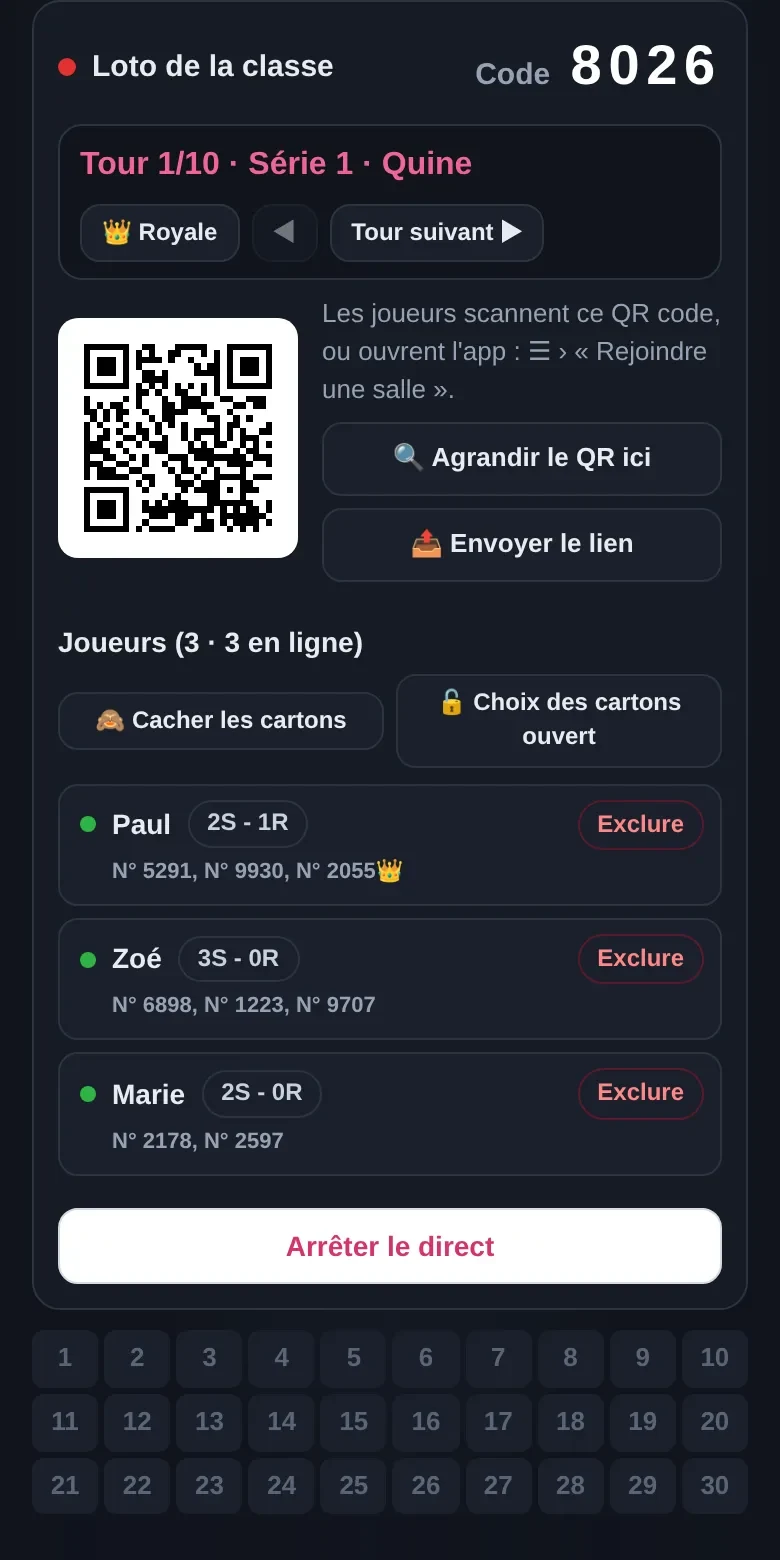
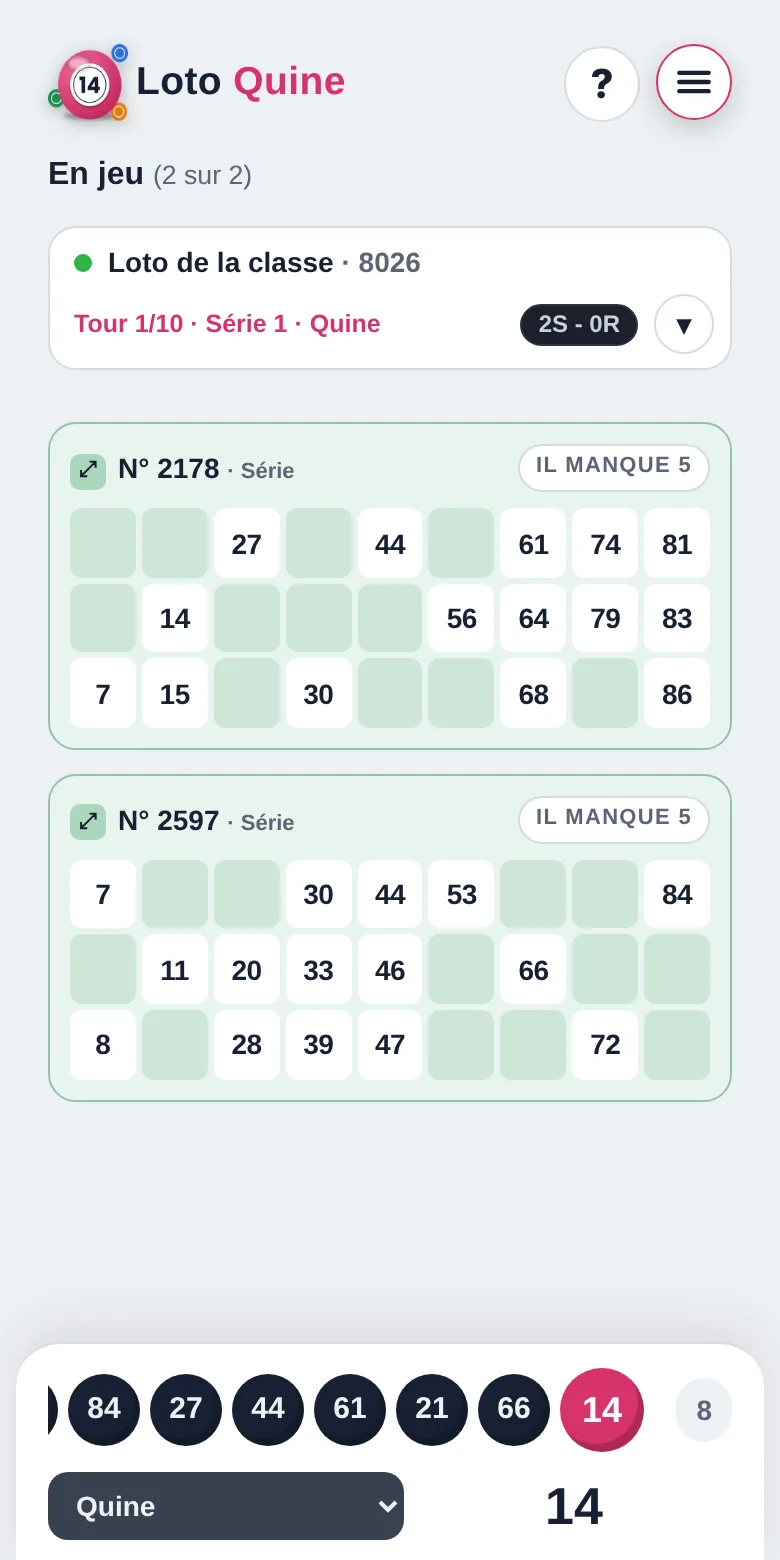
Live room
You draw the numbers, the players get them on their phone and call their wins. For a family party, a birthday or a class.
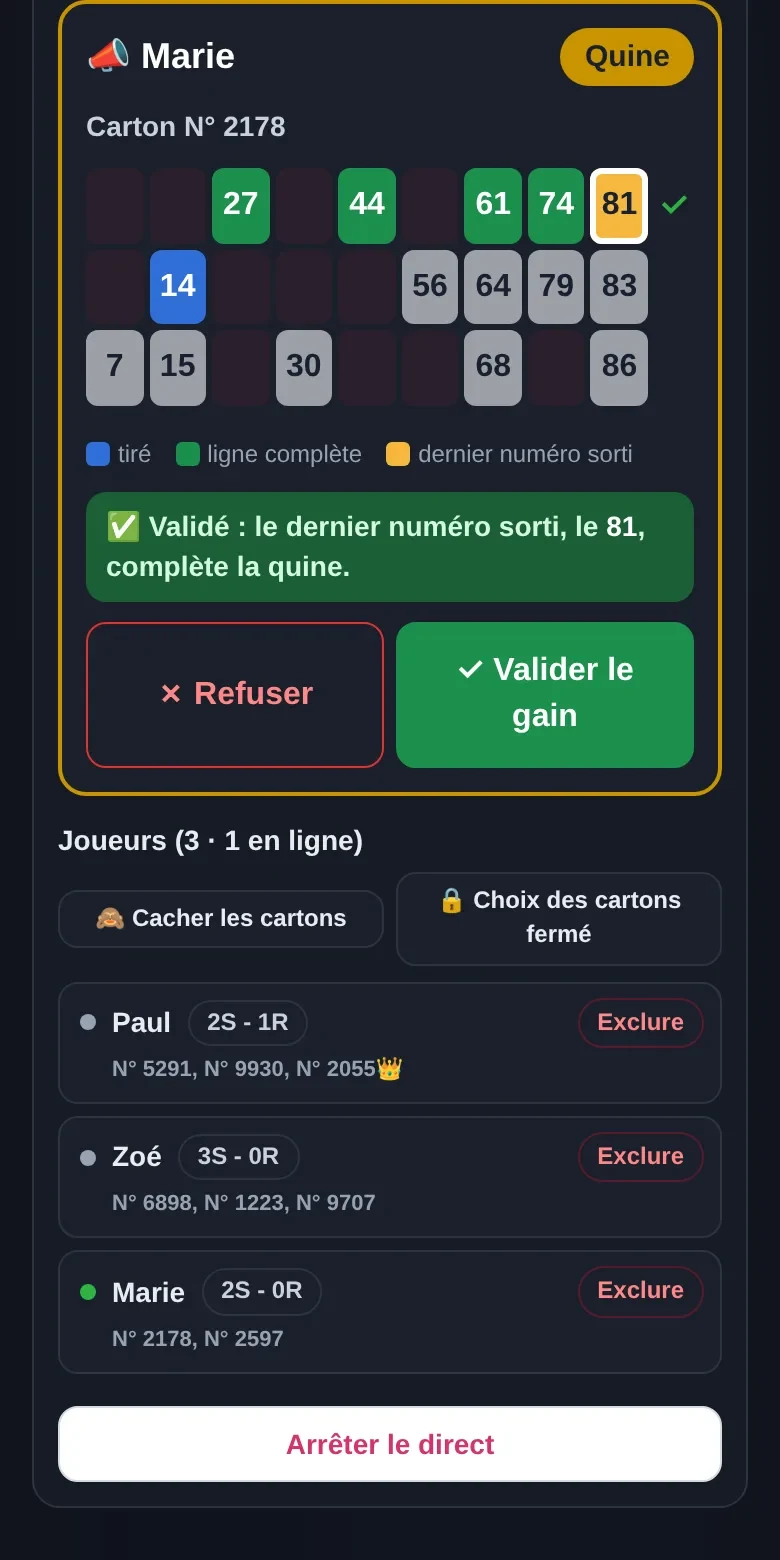
Home draw
It's all in “Home draw”: a game with friends, a children's birthday party, or a classroom game for the teacher and pupils.
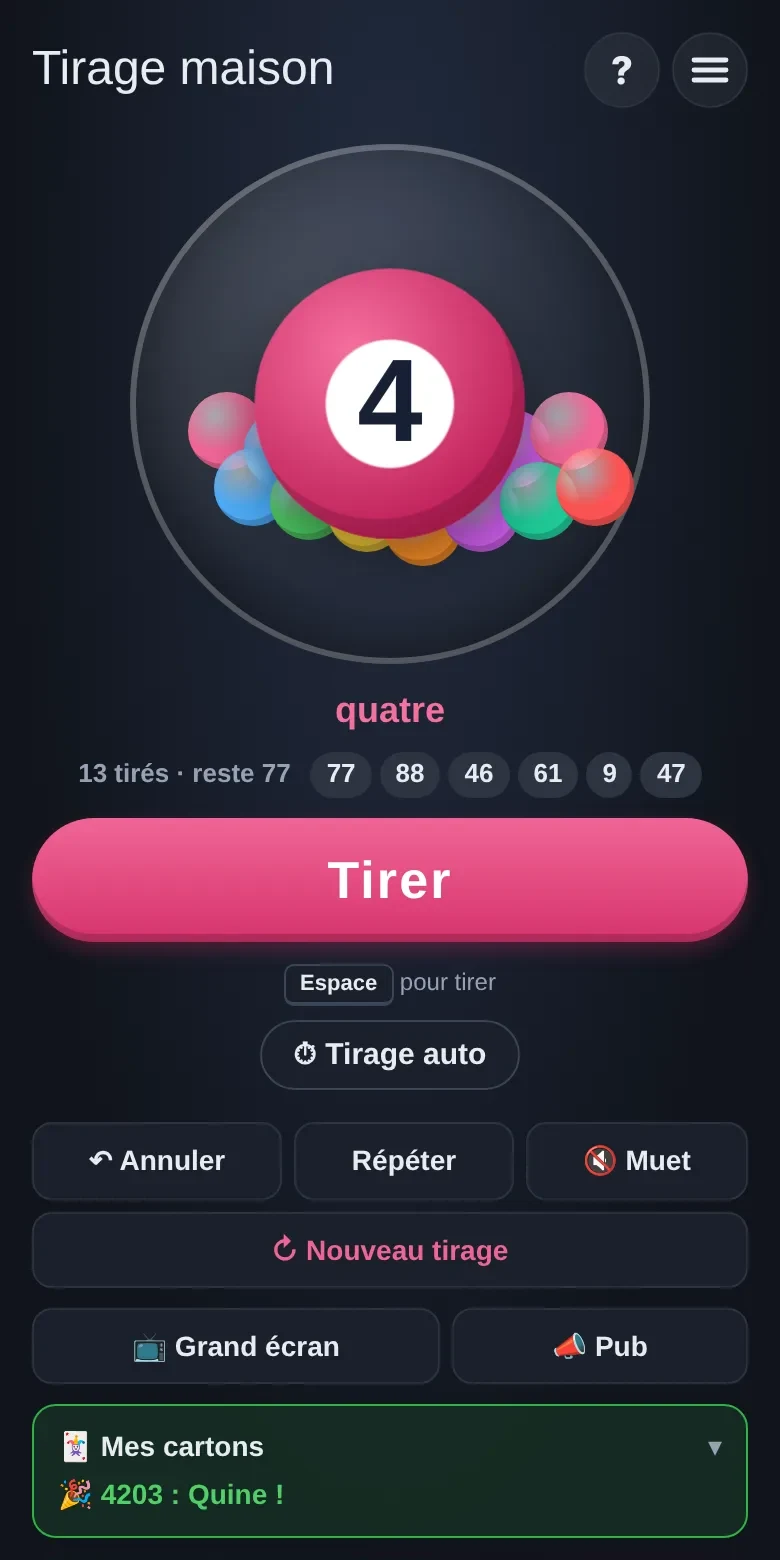
New
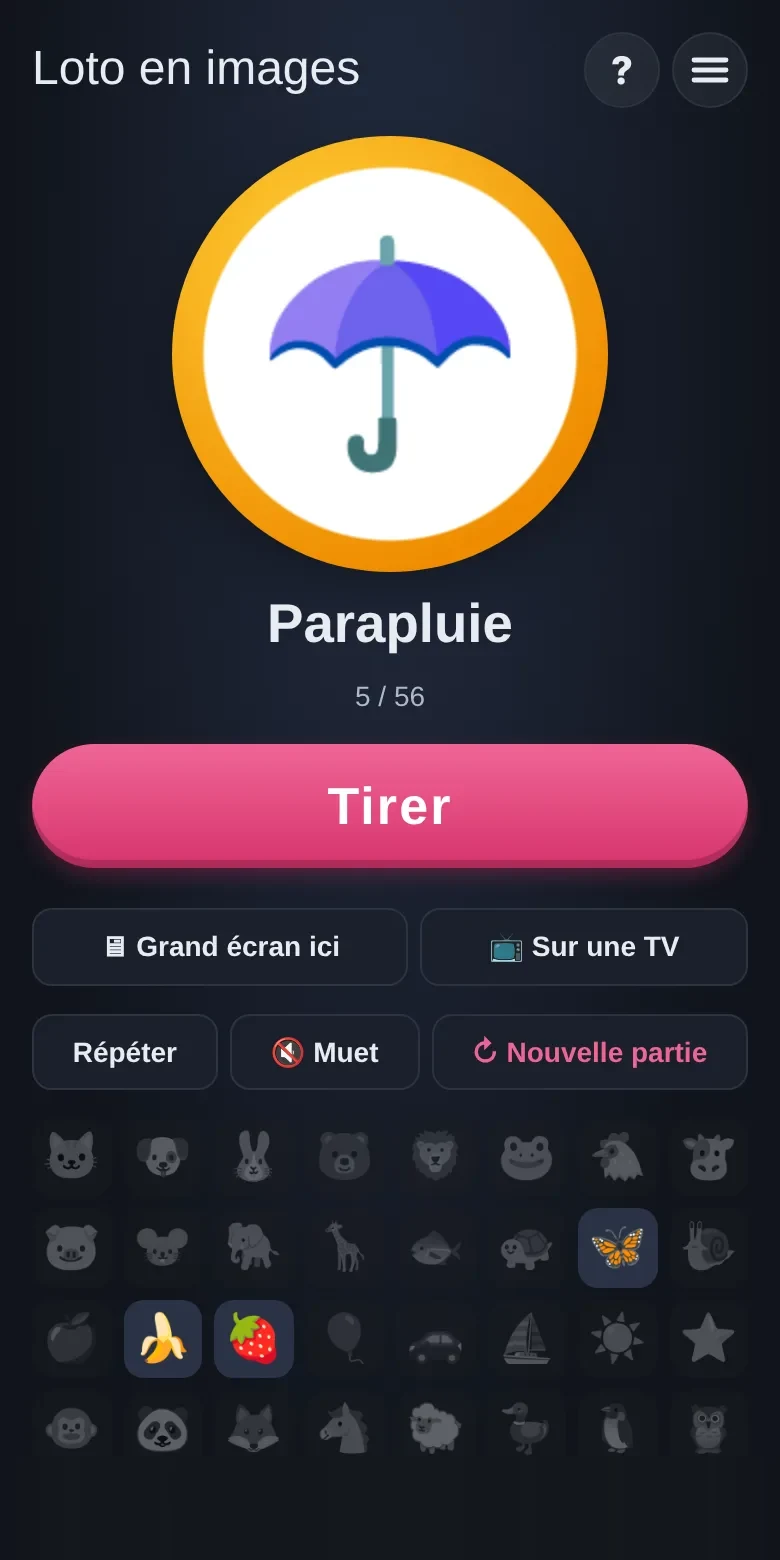
A birthday bingo, a sticker album for each child, the winner shown big on the TV and pictures for every taste.
Après des semaines de test, Loto Solo (le loto contre les porte-bonheur) et les porte-bonheur (Malin, Saucisse le teckel et toute la bande) sont sortis pour tout le monde : sur le web, dans l'app iPhone (App Store) et dans l'app Android (Google Play).
As planned, the stars, lucky charms won, trophies and day streak from the test version are reset on 7 November, so everyone starts on an equal footing. Your cards and settings stay as they are. Thank you for testing! 💛
The testers' reset has taken place: everyone starts again on an equal footing. Your cards and settings are still there.
The birthday child's name and age on the TV and the printed cards. The whole app in pink or blue, even on the players' phones.
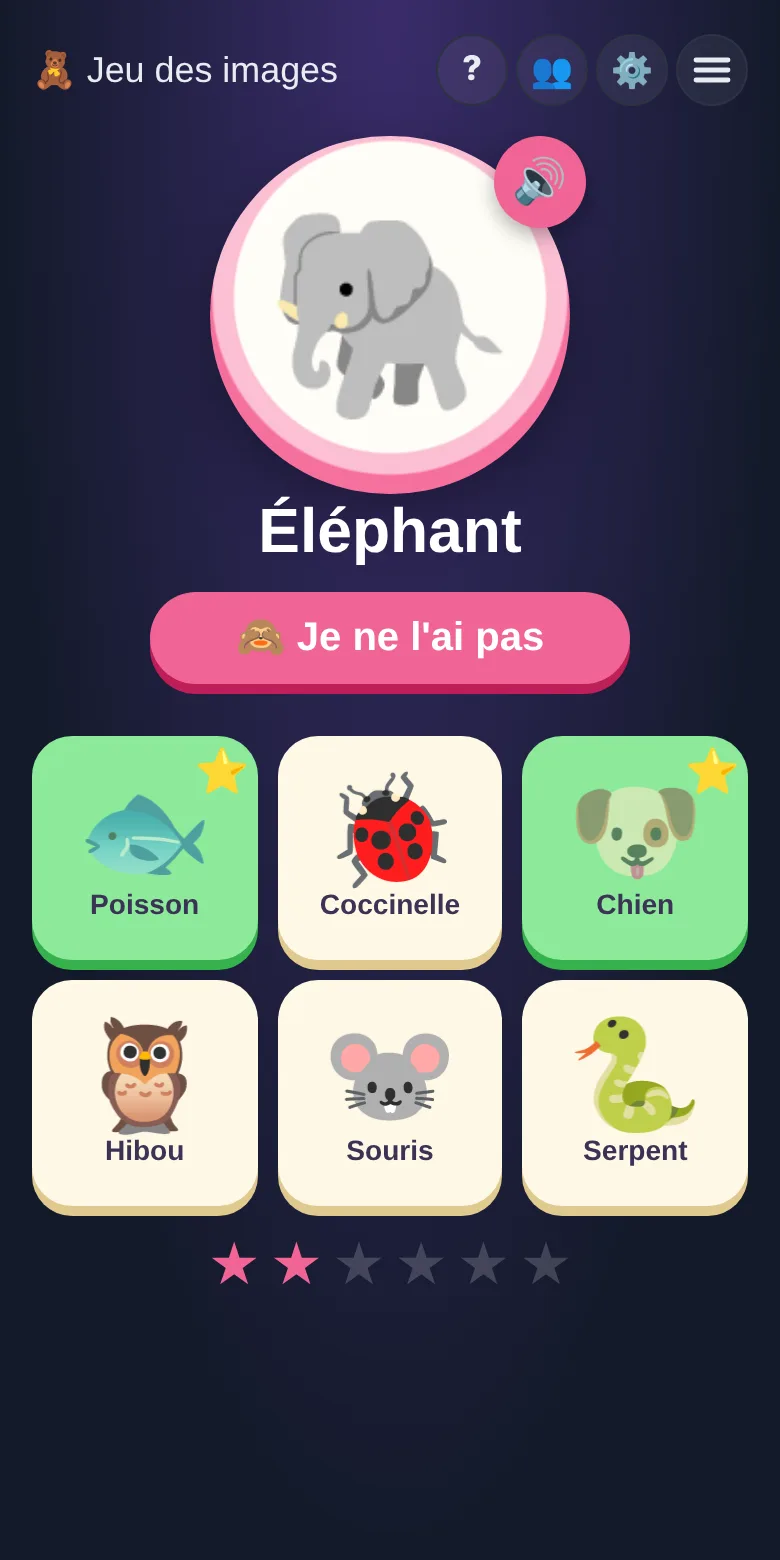
Learn more : Birthday modeIn the picture game, each child has their name and animal. Every full card earns a new sticker for their album: over 200 to collect.
Learn more : A sticker album for each childWin confirmed: the winner's name appears big, with confetti, so the room can cheer. A card to check? The TV and phones announce it.
Learn more : The winner shown big on the TVCountries, jobs, music, sports, fantasy, weather, shapes… Mix them as you like for picture bingo and the kids' game.
Learn more : Over 230 picturesA little companion keeps you company during the game: it crosses its fingers, reacts to the numbers, snuggles up on your card and celebrates when you win. Malin leads the way, with a whole gang of friends.
The newest lucky charm: short legs, long body and a great nose for the right numbers. Tap him!
Pour tout le monde : sur le web, sur iPhone et sur Android.
Tap them!
No loto tonight? Play anyway! Pick your cards, the numbers are drawn automatically and the lucky charms play against you. First to tap “Quine!” wins: one line, two lines, then a full card. Just for fun, no prizes to win.
Pour tout le monde : sur le web, sur iPhone et sur Android.
Malin and friends are already practising…
All year round
For each holiday, the app dresses up on its own: colours, decorations, draw balls, confetti when you win… and even its icon on Android. Each theme arrives on the day: come back for the surprise!
A reminder on the day each theme arrives in the app.
📲 On Android, Google only allows subscribing from a computer: the themes were just added with a file. To get them automatically every year, copy the link below and add it in Google Calendar on a computer (Other calendars › + › From URL).
Nothing to do: the theme arrives on its own at the right date, even without an update.
On Android, iPhone or computer. Add it to your home screen and it then works offline (except the live room).
Open the appThe Loto Quine Malin icon joins your apps: it opens full screen and works offline.


Scan to open it, then add it to your home screen.
The Android app is in testing on Google Play: installed like a real app, with card reading right on the phone. To get it, become a tester in 3 steps:
Use the same Google account throughout. If the app doesn't show up right away, wait a few minutes.
The app is being reviewed by Apple. Meanwhile, become a tester in 3 steps!
🍏 No account to create: your Apple ID is enough, and new versions arrive automatically in TestFlight.
The real iPhone app is in testing: voice and card reading right on the phone. To get it, become a tester:
Yes, completely. No subscription, no ads, no in-app purchases.
Your cards and games stay on your device, with no account. Only the live room goes through our server in Switzerland (nickname, cards, wins), deleted 24 h after the evening.
Yes! The real iPhone app is in testing: become a tester with TestFlight (see “Where to get the app”). The web version works too: open app.lotoquinemalin.ch in Safari, then Share and “Add to Home Screen”.
Not to follow your cards: after opening it once, the app works offline. Only the live room (host and players connected) needs the Internet.
No. The app sells nothing, takes no stakes and handles no money: it helps you follow a bingo game, or run a draw with friends, family or in class.
Scan the host's QR code, or open the app, tap ☰ › Join a room and type the 4-digit code. A nickname is enough, no account needed.
In the app, ☰ › Find a loto: a search around you, plus the loto calendars for French-speaking Switzerland.
On the phone: Home draw › “📺 Big screen” › “Show on a TV”. On the TV, open app.lotoquinemalin.ch/tv and type the 4-digit code. You draw from the phone, the TV follows.
Yes: ☰ › Picture bingo to host with paper cards, or ☰ › Kids' corner › Picture game to play right on the phone.